- Spécialiste du SEO 100% Google friendly !

Visual Elements of Google Search
- Soyez-Vu
- décembre 13, 2022
- 0
Tuesday, December 13, 2022
Walk into a library and ask for a book, without specifying which one. After puzzled looks, you’ll probably get dozens of questions from the helpful librarian to try to identify the specific book: there are so many of them (over 129,864,880 to be more precise)! The dialogue is actually very similar to what we observe on Twitter when folks are trying to find a way to talk about a certain search feature or UI element of a search results page: what are those stars called? And how do I get them to appear for my site?
Google Search result pages aren’t composed of over 129,864,880 elements, yet identifying the one you want to search for can be quite challenging. The elements can be very similar to each other, sometimes utterly obscure, and other times they have several colloquial names that aren’t that self explanatory either. We want to help with this.
Table des titres
Introducing the Visual Elements Gallery
The brand new Visual Elements Gallery was built to help you identify the most common and impactful visual elements of a search results page. It contains the 22 visual elements that are most likely to appear on search result pages and are also relevant to site owners and SEOs, including:
- Attribution: The elements that help people quickly identify the source behind the search result with visual identifiers like the name of the site, the URL, and favicon.
- Text results: Historically called « 10 blue links » and « web results », text results are the elements that have been with us since 1995, when we were still called Backrub. We believe that the name « text results » represents more precisely what the results are based on—the textual content of the indexed pages.
- Video and image results: Historically called « image and video universal results », the video and image results are based on the respective media indexed in the context of their respective landing pages.
- Exploration features: Commonly called « People Also Ask », these visual elements help users broaden their search journeys.
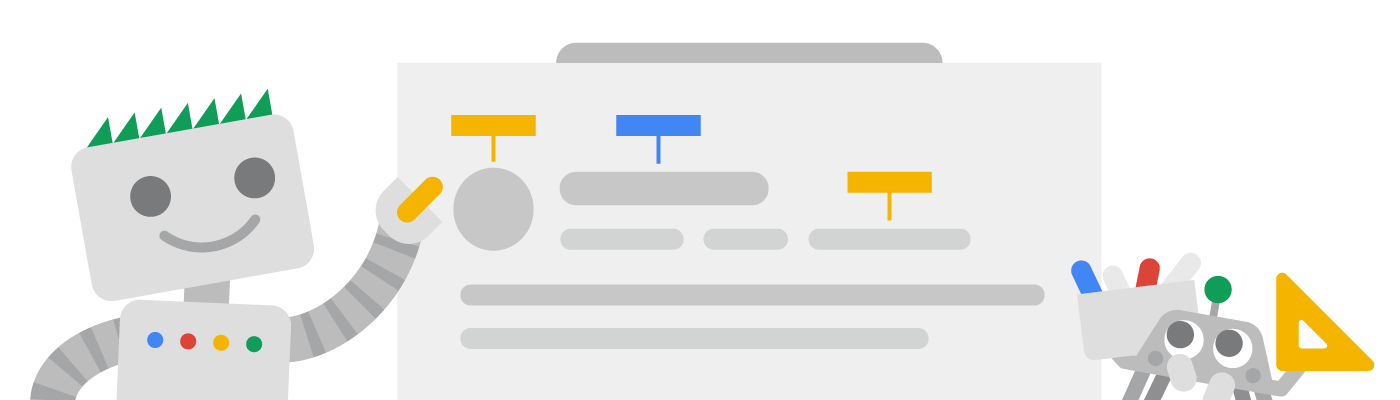
Each element group is accompanied by an abstract illustration of how the visual element might look like on the search result page, with labels for what each element is called and where you can find more information about you might influence or enable it for your website. The abstracted design also helps with keeping the guide consistent across the 18 languages Search Central supports.
Visual Elements of the future
Our new setup makes it easier for us to add new visual elements to the gallery without too much effort on our part; that is in fact our plan: as a visual element becomes popular on search result pages, we may add it to the gallery. However, we aim to only add those elements that hold some significance for site owners and SEOs.
We designed this new gallery so it’s easier to talk and learn about the elements that appear on the search results page. If you want to chat with us about them, leave a comment on Twitter or in the Search Central Help forums. You can also send feedback on the documentation page itself by using the Send Feedback button.
Source: https://developers.google.com/search/blog/2022/12/visual-elements